


It was unclear to me from reading the docs how to enable MCP for the browser. Here are my findings on setting up automated browser interaction for visual testing.
How to set up MCP for browser
- Create
.mcp.jsonin your project directory with the following content:
{
  "mcpServers": {
    "chrome-devtools": {
      "command": "npx",
      "args": ["-y", "chrome-devtools-mcp@latest"]
    }
  }
}
- Then run the following command in your terminal:
claude mcp add chrome-devtools --scope user npx chrome-devtools-mcp@latest
- Then in Claude Code, run
/mcpto verify the connection:
# start claude code cli
claude
# run /mcp inside cli
/mcp
─────────────────────────────────────────────────────────────────────────────────
 Manage MCP servers
 2 servers

   Project MCPs (/Users/zhisme/projects/my-project/.mcp.json)
 ❯ chrome-devtools · ✔ connected
- Afterwards, run a sample command to verify that the browser MCP can start:
 ▐▛███▜▌   Claude Code v2.1.17
▝▜█████▛▘  Opus 4.5 · Claude Max
  ▘▘ ▝▝    ~/dev/projects/new-magtuner/mt-editor

❯ open with browser mcp url google.com

⏺ chrome-devtools - navigate_page (MCP)(type: "url", url:
                                       "https://www.google.com")
  ⎿  # navigate_page response
     Successfully navigated to https://www.google.com.
     ## Pages
     1: https://www.google.com/ [selected]

⏺ Opened google.com in the browser. The page is loaded and selected.
If you see a Google Chrome for Testing window like in the screenshot below, then everything is set up correctly. You can now tell Claude to visually verify your rendered pages. Google chrome via browser mcp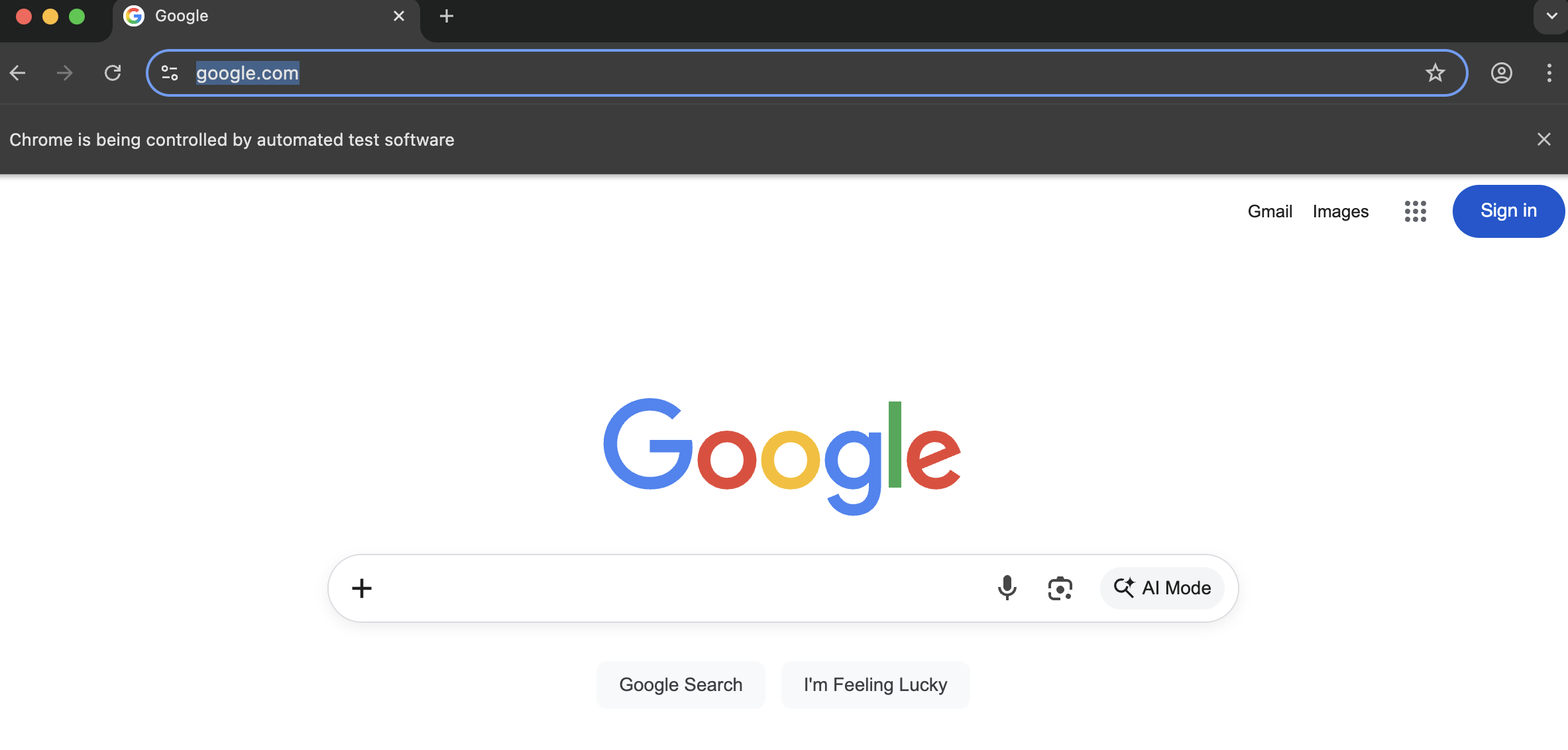
More information
If you google “setup claude browser mcp” you’ll get outdated solutions pointing to the Puppeteer MCP, which is in a GitHub repo archived on 25 May 2025. Confusingly, that solution still works, which makes it even more misleading.
If you go to Claude’s official supported MCP list 1, you won’t find anything related to the browser, just many other servers. Also unclear.
The solution from this article uses the chrome-devtools-mcp repo, which is officially supported by Google 2. I found it by checking what MCP servers are available for browsers in 2026 and how to interact with them. Hope it helps. Happy vibe-coding!